
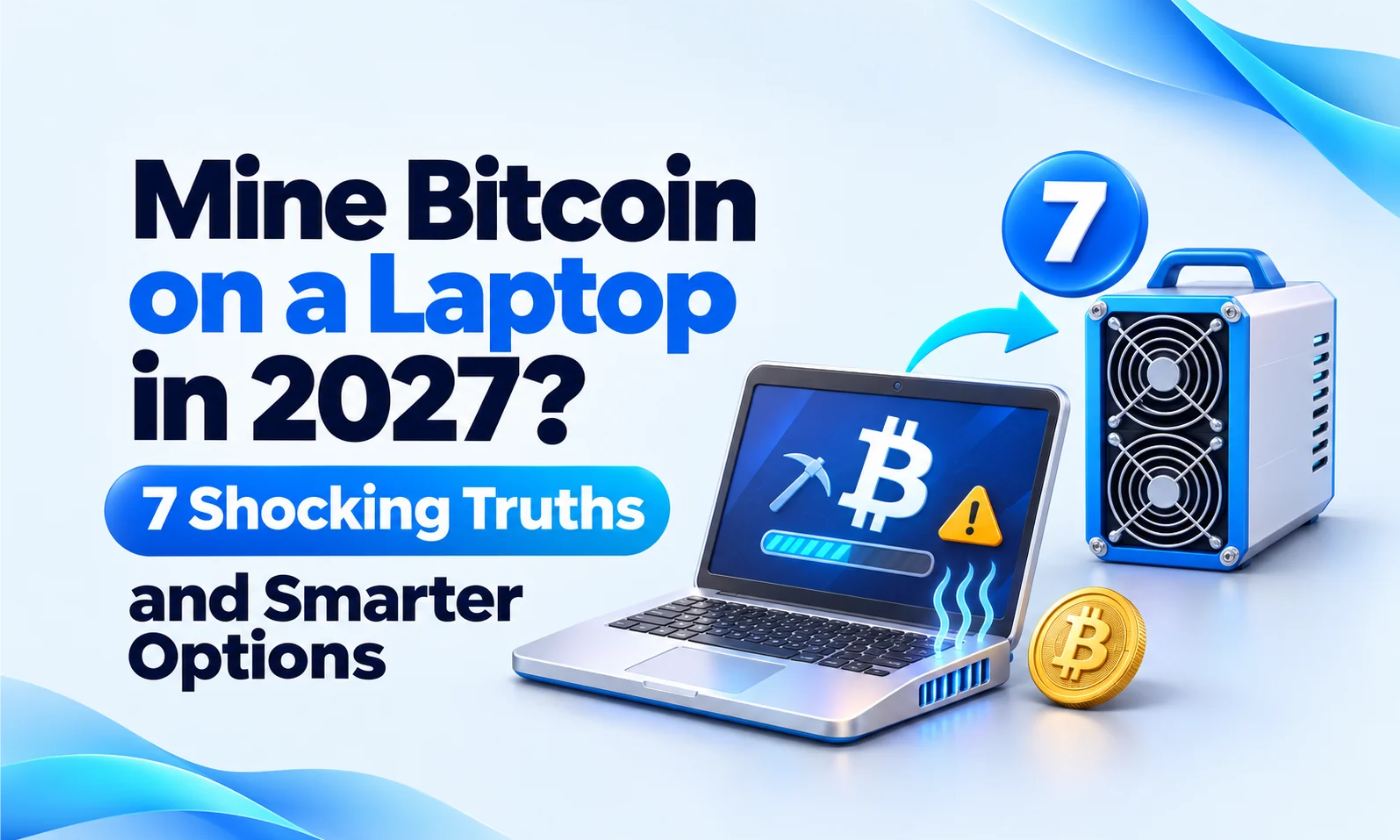
Want to mine Bitcoin on a laptop? You are not alone. “Can I use my laptop to mine bitcoins?” is one of the most viewed threads in Bitcointalk history with more than 83,000 views, and new people ask it every week. The short answer: you can technically mine Bitcoin on a laptop, but you will earn a fraction of a cent per year and wear out your hardware doing it. The good news is that a tiny home miner the size of a router does the job properly for less than the price of a new laptop.
Below are seven truths about trying to mine Bitcoin on a laptop, backed by real numbers from today’s network (about 1,060 EH/s of total hashrate and a hashprice near $33 per PH/s per day), plus the smarter options Mine Mirth customers use instead.
Truth 1: A Laptop Is About 1 Million Times Too Slow
Bitcoin uses the SHA-256 algorithm. A modern laptop CPU computes roughly 10-50 million hashes per second (MH/s). A laptop GPU might reach 1-2 GH/s. A single modern ASIC miner like the Antminer S21 XP does 270 TH/s, which is 270,000,000 MH/s. When you try to mine Bitcoin on a laptop, you are bringing a bicycle to a Formula 1 race.
| Device | Hashrate | Power | Revenue per year (pool) |
|---|---|---|---|
| Laptop CPU | ~50 MH/s | 45-65 W | Less than $0.001 |
| Gaming laptop GPU | ~1.5 GH/s | 100-150 W | About $0.02 |
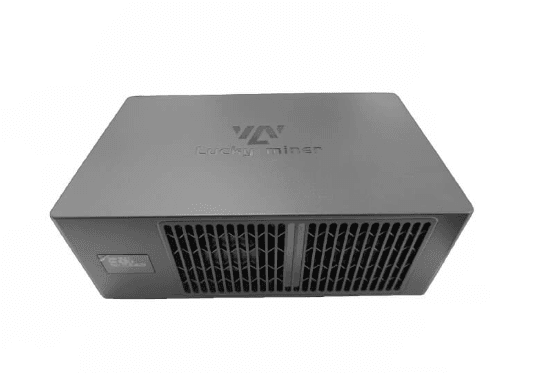
| Lucky Miner LV08 | 4.5 TH/s | 140 W | About $54 |
| Avalon Nano 3S | 6 TH/s | 140 W | About $72 |
| Avalon Q | 90 TH/s | 1,674 W | About $1,080 |
Revenue figures are before electricity and assume today’s hashprice. They change daily with Bitcoin’s price and network difficulty.
Truth 2: Electricity Costs More Than You Earn
A laptop under full load uses about 60 W, or 1.44 kWh per day. At $0.15/kWh that is about $0.22 per day, or $79 per year, to earn less than one tenth of a cent. Every time you mine Bitcoin on a laptop, you lose money on every single hour of operation. There is no electricity price low enough to fix this.
Truth 3: You Will Probably Damage the Laptop
Laptops are designed for short bursts of heavy work, not 24/7 full load. Running a miner keeps the CPU near 90-100°C, which degrades thermal paste, swells batteries and kills fans. Bitcointalk threads are full of people who tried to mine Bitcoin on a laptop and ended up with a throttling, overheating machine. A $1,000 laptop is a very expensive way to earn nothing.
Truth 4: Solo Odds From a Laptop Are Essentially Zero
Some people hope to get lucky and solve a whole block (3.125 BTC plus fees). At 50 MH/s against 1,060 EH/s, the expected time to find a block is several hundred million years. Compare that with a small ASIC solo miner:
| Device | Hashrate | Chance of a block per year |
|---|---|---|
| Laptop CPU | 50 MH/s | About 1 in 400 million |
| Lucky Miner LV08 | 4.5 TH/s | About 1 in 4,500 |
| NerdQaxe++ | 6 TH/s | About 1 in 3,400 |
| NerdOCTaxe | 9.6 TH/s | About 1 in 2,100 |
Small solo miners are still a long shot, but home miners have found real blocks on public solo pools in 2025 and 2026. A laptop never will. Read more in our best solo Bitcoin miner guide.
Truth 5: “Laptop Mining” Apps Are Usually Scams or Malware
Search app stores and you will find apps that promise to let you mine Bitcoin on a laptop or phone and pay out daily. Most are one of three things: ad farms that never pay, cloud mining schemes that need a deposit, or hidden miners that mine a different coin for the app developer. If an app pays you more than the math above allows, the money is coming from somewhere else. Our guide to cloud mining scams lists the red flags.
Truth 6: Why It Worked in 2010 and Not Now
In 2009 and 2010 Satoshi and early users really could mine Bitcoin on a laptop and earn 50 BTC per block. Difficulty was 1. Then GPUs took over in 2010, FPGAs in 2011 and ASICs from 2013. Today’s difficulty is about 148 trillion. Every jump in hardware made the previous generation obsolete for profit. The forum’s old “how to mine with a CPU” guides are history lessons, not instructions.
Truth 7: Your Laptop Is Still Useful for Mining
You do not need to mine Bitcoin on a laptop to use it for mining. Your laptop is the perfect control center for real miners. You use it to:
- Open the miner’s web dashboard and set pool details
- Track hashrate, temperature and payouts
- Run profit numbers on the Mining ROI and Payback Planner
- Manage a hosted miner from anywhere in the world
Better Than Trying to Mine Bitcoin on a Laptop: 3 Real Options
Option 1: A Desk-Size Solo Miner (Under 200 W)
Devices like the Lucky Miner LV08, NerdQaxe++ or NerdOCTaxe 9.6T plug into a normal outlet, connect over Wi-Fi and run quietly. They are the closest thing to the dream of mining from your desk. Great for learning and lottery mining.
Option 2: A Home Miner That Doubles as a Heater
The Avalon Nano 3S and Avalon Mini 3 run on 110-120V household power and put out useful heat in winter, so part of the electricity cost pays for heating you would buy anyway.
Option 3: A Real ASIC, Hosted
If you want actual profit, buy a full-size ASIC and place it with a host. You manage it from your laptop while it runs on industrial power. See Mine Mirth miner hosting and our article is Bitcoin mining worth it for the full profit math.
If You Still Want to Try Laptop Mining for Learning
If you just want to see how mining software works, you can mine Bitcoin on a laptop for an hour as an experiment. Use only open-source software from official sources, connect to a solo pool such as solo.ckpool.org with your own wallet address, keep the laptop plugged in on a hard surface and stop if temperatures pass 90°C. Treat it as a science project, not income.
FAQ: Mine Bitcoin on a Laptop
How much can I earn if I mine Bitcoin on a laptop?
Less than one tenth of a cent per year at today’s difficulty, while spending around $70-$80 per year on electricity.
Is it safe to mine Bitcoin on a laptop?
It is not recommended. Constant full load overheats the CPU, wears the fan and can swell the battery.
What is the cheapest real Bitcoin miner?
Small SHA-256 ASICs like the Lucky Miner LV06 and LV08 are the cheapest real Bitcoin miners. For profit, look at our budget ASIC miner guide.
Can a MacBook mine Bitcoin?
Apple Silicon is efficient for everyday work, but for SHA-256 it is still millions of times slower than an ASIC. The same truths apply.
The Bottom Line
You can mine Bitcoin on a laptop, but you should not. Keep the laptop as your mining dashboard and let a purpose-built ASIC do the hashing. Browse our Bitcoin miners collection, or ask Mine Mirth which home miner fits your budget and power.