
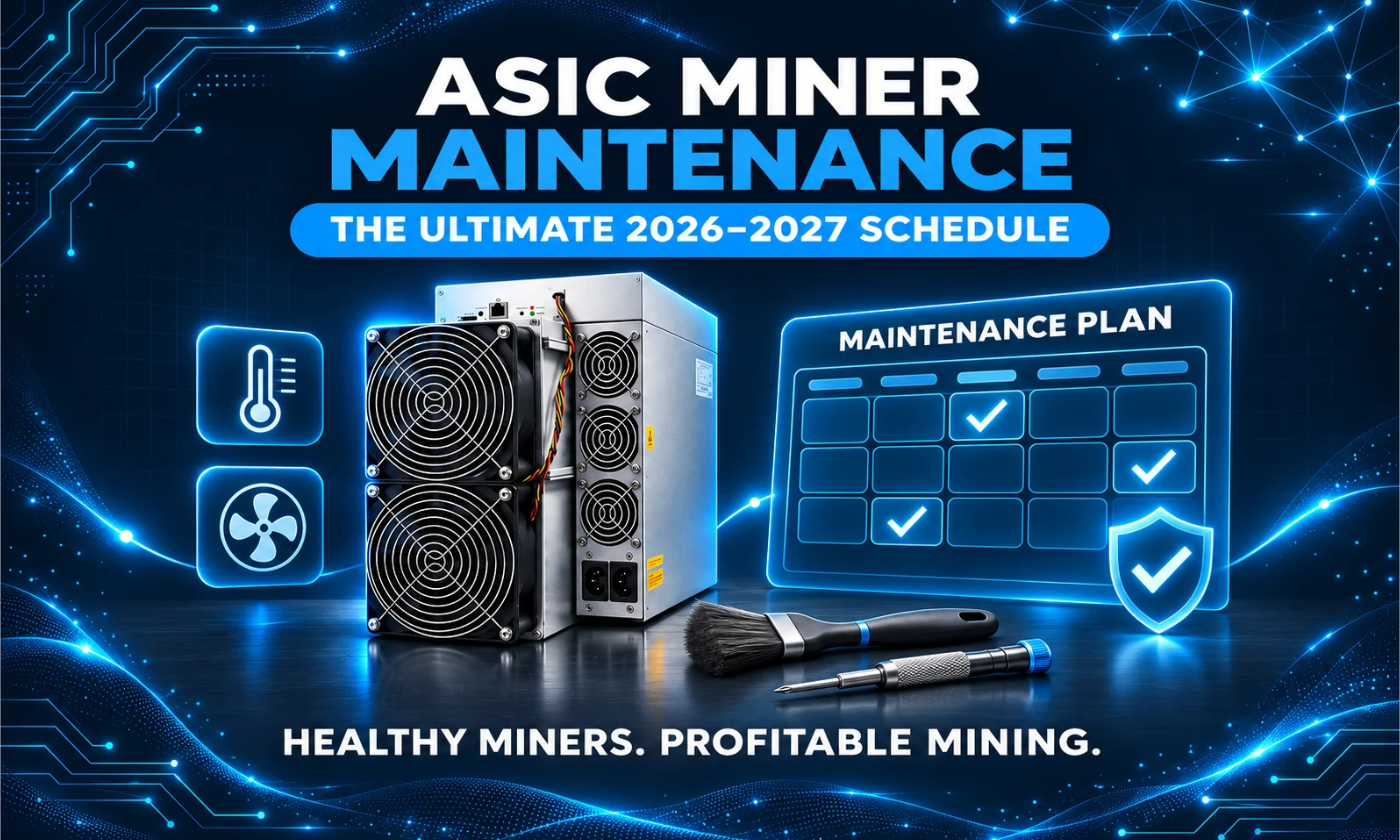
Good ASIC miner maintenance is the cheapest way to increase mining profit. Every hour of downtime is lost revenue, and most hardware failures start with simple neglect: dust, heat and loose connections. Follow this daily-to-yearly schedule to keep your Antminers and Whatsminers hashing at full speed for years.
Why Maintenance Matters
- Uptime: a miner at 95% uptime instead of 99% loses 4% of revenue.
- Efficiency: dusty heatsinks raise temps, which raises power use and lowers hashrate.
- Lifespan: stable temperatures protect chips and solder joints.
- Resale value: clean, well-kept miners sell for more.
Daily ASIC Miner Maintenance (2 minutes)
- Check pool dashboard: hashrate and online status for each worker
- Review alerts for offline miners or rejected shares
- Glance at chip temperatures
Weekly Tasks (10 minutes)
- Compare per-board hashrate; a weak board may be failing
- Listen for unusual fan noise
- Check intake and exhaust temperatures
- Confirm backup pools are working
Monthly Tasks (30-60 minutes)
- Power down and blow out dust with dry compressed air (hold fans still while blowing).
- Inspect power cables and plugs for heat discoloration.
- Clean or replace intake filters.
- Check fan RPM and replace any weak fans.
- Review firmware for security updates.
Quarterly Tasks
- Deep clean heatsinks
- Tighten screws and check hashboard connectors
- Test PSU output under load
- Recalculate profitability with current hashprice (Hashprice Tracker)
Yearly Tasks
- Professional inspection and thermal paste refresh where needed
- Review electrical connections with an electrician
- Evaluate upgrading inefficient models (Miner Upgrade Calculator)
- Plan ahead for the 2028 halving (halving guide)
ASIC Miner Maintenance Checklist Table
| Component | Check | Frequency |
|---|---|---|
| Hashrate | Pool and per-board | Daily |
| Temperature | Chip and intake | Daily |
| Fans | Noise, RPM | Weekly |
| Dust | Heatsinks, filters | Monthly |
| Cables | Heat, damage | Monthly |
| PSU | Voltage, noise | Quarterly |
| Firmware | Updates | Quarterly |
| Full inspection | Thermal paste, connectors | Yearly |
Cleaning Tips
- Always power off and unplug before cleaning.
- Use compressed air or an electric duster; avoid vacuum cleaners (static risk).
- Clean outdoors or away from other miners.
- Never use water or liquid cleaners on air-cooled miners.
Spare Parts to Keep on Hand
- 2-4 spare fans of the correct model
- A spare PSU for every 5-10 miners
- C19/C20 power cables and Ethernet cables
- Control board (for larger fleets)
Hydro and Immersion Maintenance
Hydro miners need coolant checks, leak inspections and dry cooler cleaning. Immersion tanks need fluid filtering and pump checks. See our hydro bitcoin miner guide and immersion mining guide.
When Maintenance Isn’t Enough
If a miner keeps losing hashboards or throwing errors, it may need repair. Read our Antminer error codes guide or use Mine Mirth’s ASIC repair service. Hosted customers get maintenance handled for them with Mine Mirth hosting.
ASIC Miner Maintenance: Key Takeaways
- Daily ASIC miner maintenance takes two minutes: check hashrate and temperatures.
- Monthly ASIC miner maintenance means cleaning dust and checking fans and cables.
- Good ASIC miner maintenance raises uptime, which directly raises revenue.
- Keep spare fans and PSUs to make ASIC miner maintenance faster.
- Hydro and immersion systems need their own ASIC miner maintenance routines.
How Maintenance Affects Profit: A Simple Example
Consider an Antminer S21 XP earning about $9.99 per day at late-2026 hashprice. If dust and a weak fan cause it to throttle and lose 8% of its hashrate for three months, you give up roughly $72 in revenue, more than the cost of a full set of replacement fans. If one hashboard drops offline for two weeks unnoticed, the loss can exceed $45. A ten-minute weekly check catches most of these problems early. That is why professional farms treat maintenance as a profit center rather than a chore, and why home miners who follow a simple schedule usually see higher uptime and better resale value when they upgrade.
ASIC Miner Maintenance FAQ
How often should I clean my ASIC miner?
Every 1-3 months in home environments; more often in dusty spaces like barns or workshops.
How long do ASIC fans last?
Typically 1-3 years of continuous use, depending on dust and heat.
Does maintenance void warranty?
Cleaning and fan replacement generally do not, but opening sealed components might. Check your warranty terms.
For a printable version, see our ASIC maintenance checklist. Manufacturer guidance is available at Bitmain Support.